
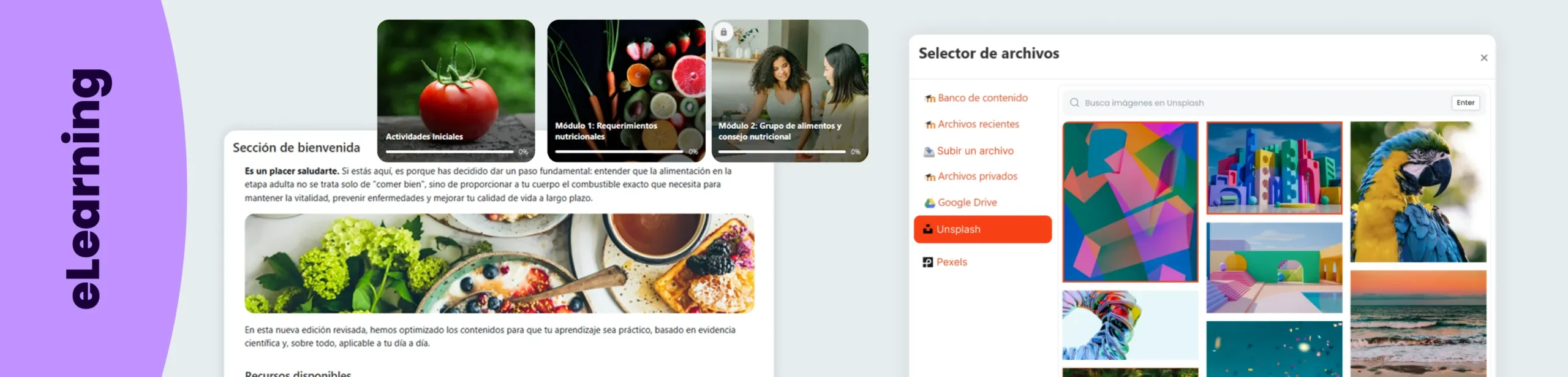

When we think of a good online course, we usually talk about the content, the methodology, or the activities. However, there is one aspect that has a much greater impact on the learning experience than it might seem: visual design.
A course with consistent, well-structured, and engaging visuals conveys professionalism, makes navigation easier, and enhances the perception of quality right from the start. The problem is that achieving that result takes time.
Searching for images, making sure they match the content, checking licenses, downloading them, and uploading them to Moodle can become a repetitive task that adds little educational value.
With the new Artificial Intelligence feature in the Fresk Suite, that process is now automated.
Artificial Intelligencethat understands the content of your courses
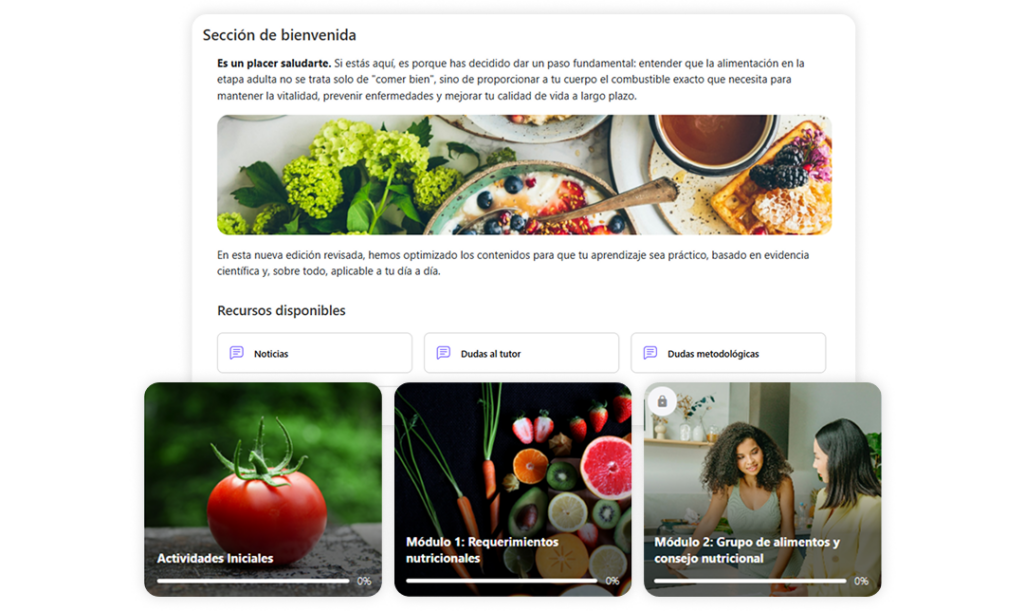
Fresk’s AI is designed to analyze the content of each course and automatically generate a visual design tailored to its subject matter.
It does not rely on manually entered keywords or generic searches. The system performs a semantic analysis of the content to understand what each section is about and select the most appropriate images.
The result is a course with a consistent, professional visual identity that aligns with the content, without having to spend hours searching for graphic resources.
Much more than just an image search engine
While a traditional search engine requires users to decide what to search for and review dozens of results, Fresk’s AI handles the entire process automatically.
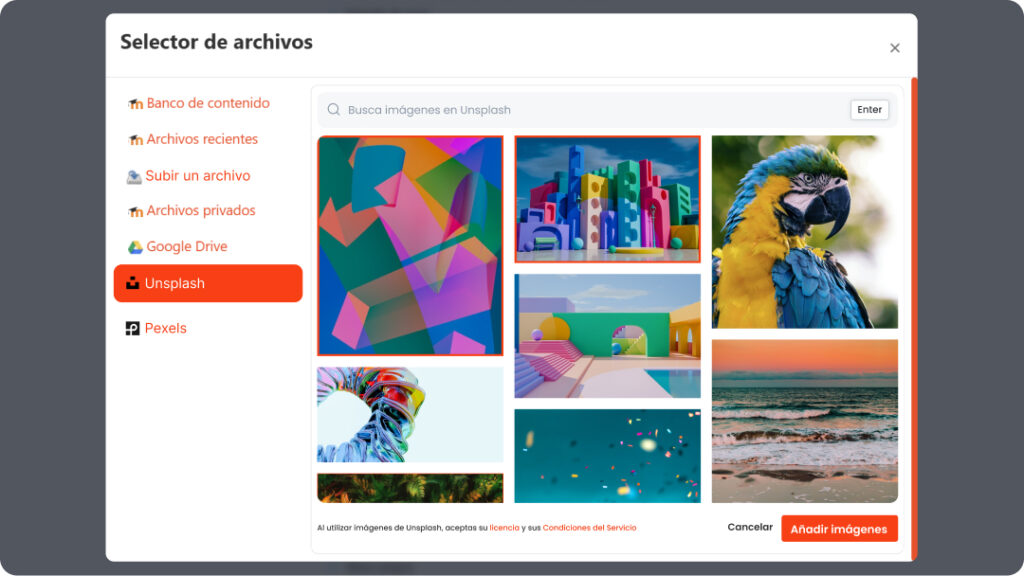
Analyze the course content, interpret its context, and select the most relevant images from two of the world’s most comprehensive photo libraries: Pexels and Unsplash.
Thanks to API integration, images are incorporated directly into the workflow without having to leave Moodle.
In addition, the system automatically manages the necessary attributions and links, ensuring that the use of resources complies with the applicable license terms.
A more thoughtful learning experience
Design does not replace good content, but it does influence the way students perceive it.
The right image helps put the content into context, makes navigation easier, and creates a much more engaging experience from the very first time a user accesses the course.
By automating this part of the process, teams can devote their time to what really matters: creating better learning experiences.
The Fresk Suite continues to evolve
This new feature is part of the ongoing development of the Fresk Suite, the set of tools developed by 3ipunt to transform Moodle and Moodle Workplace into a more visual, intelligent and efficient platform.
The integration of Artificial Intelligence helps to reduce manual tasks, maintain a consistent visual identity and deliver a more professional experience without increasing the teams’ workload.
Because improving Moodle isn’t just about adding features. It also means making day-to-day work easier and ensuring that the end result has a greater impact on learners.