
WordPress 7.0 ‘Armstrong’ is now available. It features a redesigned dashboard, artificial intelligence at its core, and far more design tools than meets the eye.
If you run a WordPress website, the question is always the same: will this make a difference to my day-to-day work, or is it just another update? We’ve summarised it for you.
The WordPress dashboard gets an update
The admin panel had been lagging behind for years. Whilst the editor was being filled with blocks and visual tools, the dashboard continued to work almost exactly as it did a decade ago.
With version 7.0, that all changes: a revamped design, smooth transitions as you move between screens, and a layout designed with those who spend hours on it in mind.
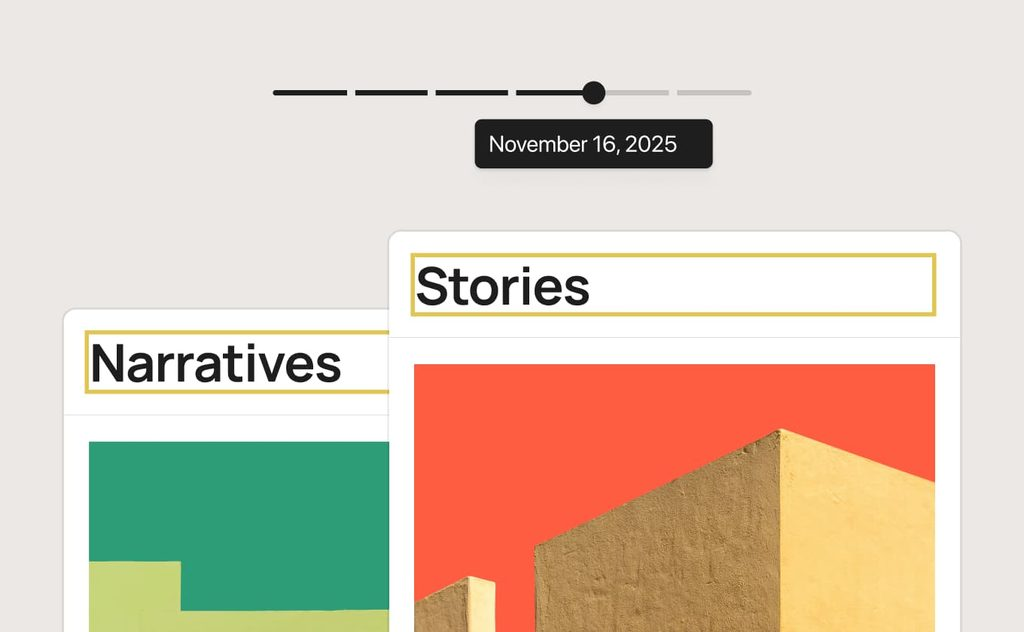
You’ll notice the difference from day one. The command palette is just a ⌘K or Ctrl+K away and takes you wherever you need to go without having to navigate through three menus. Font management is now centralised, so everyone isn’t doing things their own way. And revisions are displayed with visual markers highlighting the changes, with instant restoration to any previous version.
Although it may seem like a minor change, it significantly improves navigation within the platform.
What you can do with the AI in WordPress 7.0
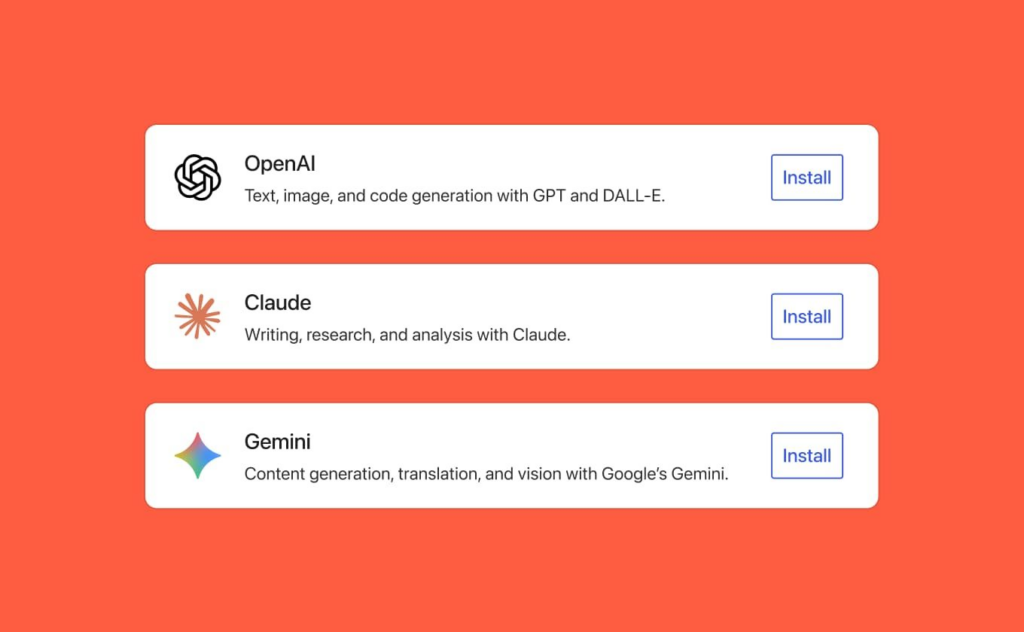
That’s the headline of the article. WordPress incorporates an artificial intelligence client into its core and provides a dashboard from which you can manage which external service your website connects to.
Building on that, an official plugin has been released that generates and edits images, suggests titles for your posts and writes text. The AI here isn’t working magic. It does something far more practical: it takes the repetitive tasks involved in publishing off your hands.
What’s interesting, actually, isn’t the plugin itself. It’s the underlying decision: WordPress doesn’t force any AI on you or tie you to a particular provider. It provides the foundation, and you choose what to connect it to.
This is the same path that Moodle has taken with its AI subsystem. In open-source software, these decisions carry more weight than any specific feature, because they determine whether your platform will still belong to you in three years’ time.
Greater control over the design without leaving the editor
This is where version 7.0 really comes into its own.
Adaptive controls allow you to customise the behaviour of each block according to the device, without affecting the other viewports. You can show or hide blocks depending on the screen, adjust styles by breakpoint, and decide for yourself what those breakpoints are.
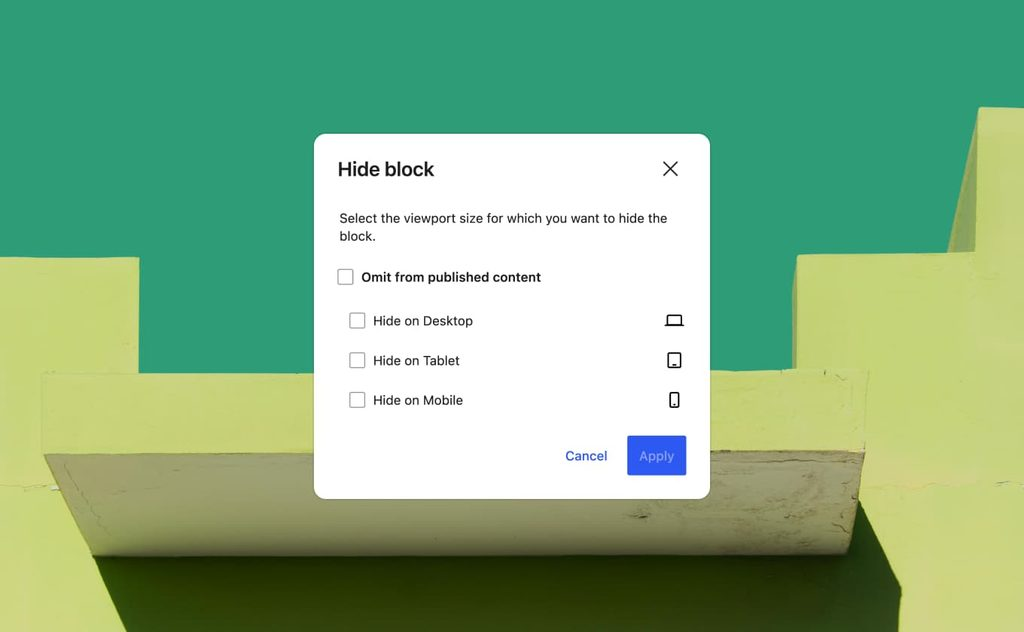
The drop-down menu is now built using blocks and templates. You can add columns, change the typography or add your own close button, either using a template or starting from scratch.
The patterns function as a single unit, but can be separated when you need to work on just one part. That’s the difference between a useful template and a straitjacket.
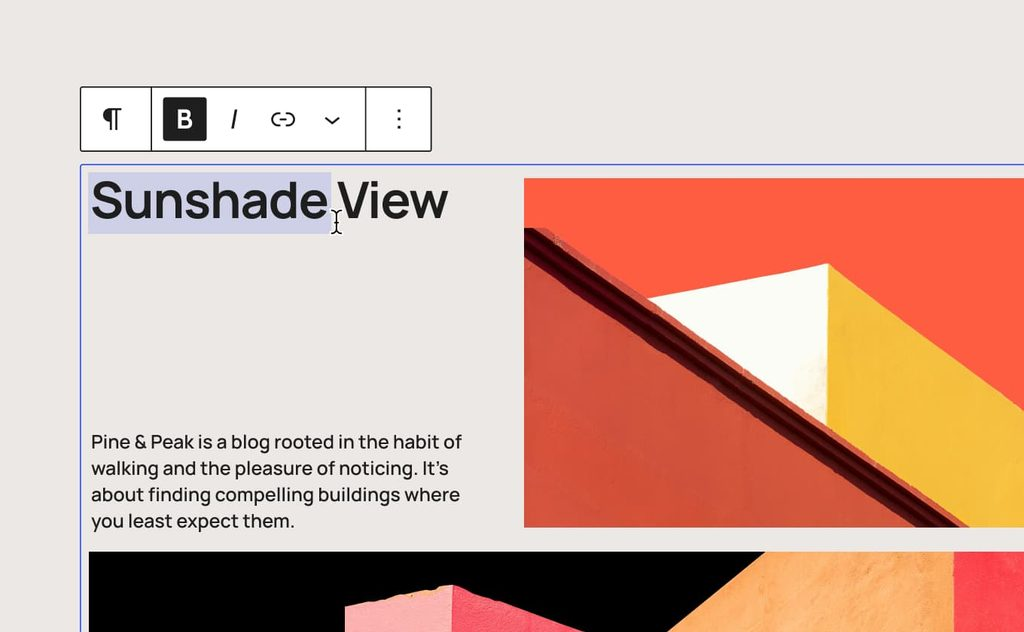
And for those finer details, you can now apply CSS at block level directly within the post or page itself, without having to go via the global stylesheet. If you’re working with a bespoke WordPress theme, this saves you quite a few lines of code.
The new blocks in WordPress 7.0
There are four new additions that fill some fairly obvious gaps: a gallery block for displaying slideshows, a breadcrumb block to provide clear navigation, an icon block for design details, and a revamped header block offering greater scope for customisation.
Nothing revolutionary on its own. But these are precisely the blocks that, until now, you had to sort out using a third-party plugin – one that then caused you problems with every update.
And fewer plugins installed means less maintenance and a smaller attack surface.
What’s new for developers
You can create blocks and patterns using pure PHP, without writing any JavaScript, and they are automatically registered in the Blocks API. The site editor is more extensible, there is routing with route validation, and a new `wordpress/boot` package for building custom pages.
Less hassle for teams working on the backend who want to extend WordPress without changing their tech stack.
What’s new in WordPress 7.0
It’s a version that tidies things up: a more user-friendly desktop, an open door to AI without any strings attached, and considerably more control over the design without having to rely on anyone else.
Do you sell online training and use Moodle on one platform and WordPress on the other? SMATX is the plugin that connects the two. It synchronises users, courses and enrolments between both platforms, integrates with WooCommerce, and ensures that a purchase on the website automatically grants access to the course without anyone having to enrol learners manually.
That’s what we’ve set up at REHVA Academy, which has gone from managing registrations one by one to having the whole process automated.
At 3ipunt, we’ve been developing with WordPress and Moodle for over 20 years. If you’d like to review your website before upgrading to version 7.0, or finally integrate your WordPress site with your learning platform, we’d be delighted to help.
And if you’d like a full breakdown of all the features and improvements included in this release, you can check out the official WordPress 7.0 announcement.